







Key takeaways
- UX (user experience) is how easy and pleasant it is to get something done with your product. UI (user interface) is how it looks.
- Good UX is decided before code is written, through research, flows and clickable prototypes tested with real people.
- Fixing a problem in a prototype costs hours; fixing it after launch costs weeks.
“UX” gets used to mean everything from colours to conversion rates. For a business owner it boils down to one question: can your customers do what they came to do, quickly and without frustration? This guide explains what UX design involves, how it differs from UI, and when it is worth paying for.
UX vs UI: the difference
UX design is the structure and logic: what screens exist, what is on each one, what happens when someone taps a button, and what order things happen in. UI design is the visual layer on top: typography, colour, spacing, icons and motion.
A beautiful interface on a confusing flow still loses customers. A clear flow with a plain interface usually still converts. Ideally you get both, in that order.
What a UX designer actually does
- Research. Talks to customers and staff, reviews analytics, and finds where people get stuck today.
- Information architecture. Decides how content and features are organised so people can find them.
- User flows and wireframes. Maps each journey step by step and sketches the screens without visual polish.
- Prototypes. Builds clickable versions you can try on a phone before any code exists.
- Usability testing. Watches real users try the prototype and fixes what trips them up.
- Handover. Delivers final designs and a design system developers can build from.
Why it pays for itself
The cheapest place to fix a bad decision is on paper. Moving a button in a prototype takes minutes. Moving it in a live app means design, development, testing and a new release.
Good UX also shows up in the numbers you already track: fewer support questions, more completed sign-ups and checkouts, and staff who adopt internal tools instead of working around them.
Signs your product needs UX work
- Customers ask the same “how do I…?” questions again and again.
- People start sign-up or checkout and drop off before finishing.
- Staff keep spreadsheets alongside the system that was meant to replace them.
- Every new feature makes the product feel more cluttered.
- You are about to build something new and the team disagrees on how it should work.
“Changing a prototype costs hours. Changing a build costs weeks.”
The Pineapple · ui/ux design team
What a UX project looks like
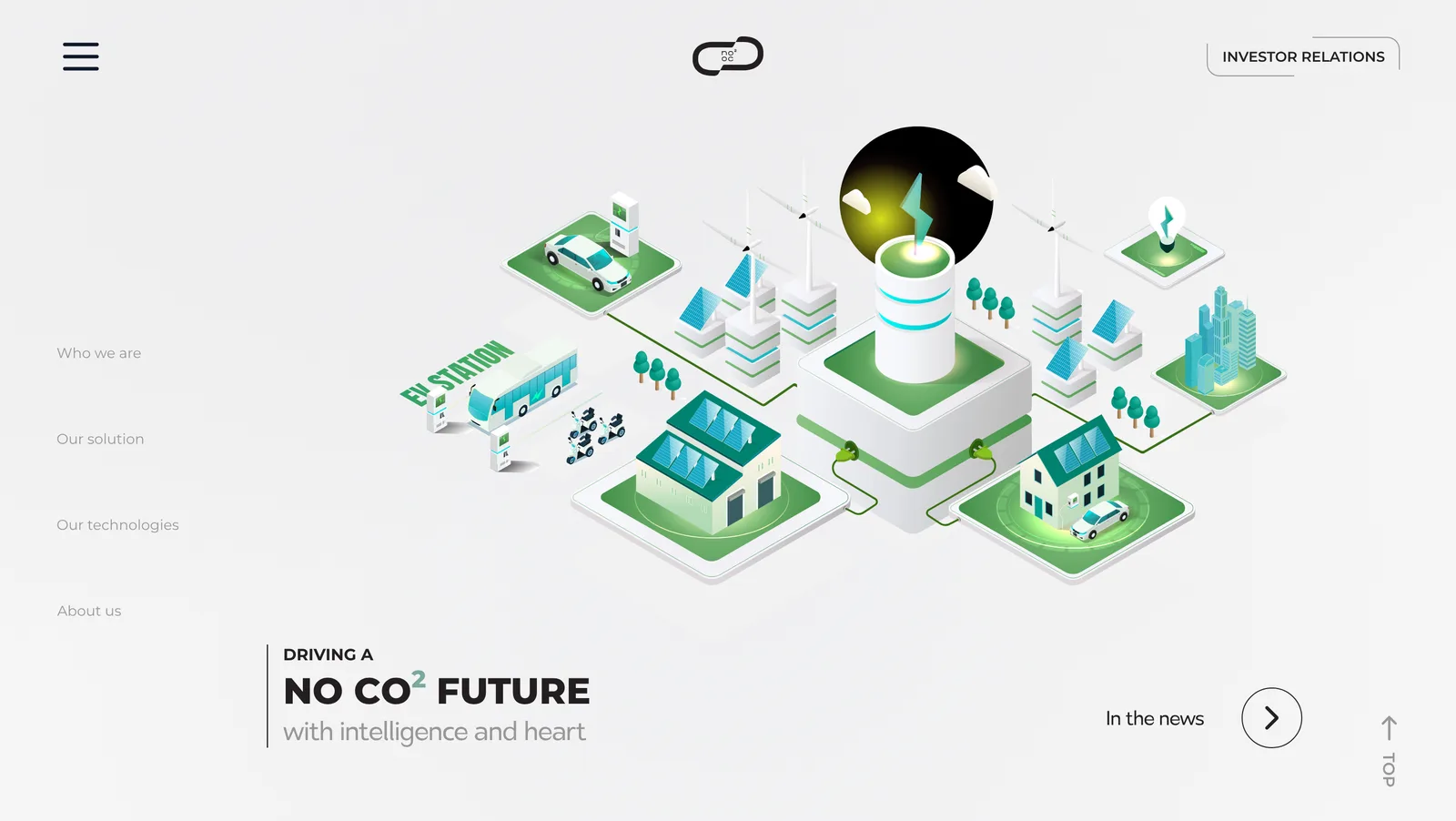
Our UI/UX projects typically run 4–10 weeks: discovery and research, flows and wireframes, clickable prototypes tested with real users, then final UI and a design system your developers can build from. For Noco-Noco we designed a corporate website that makes complex energy technology easy to follow, starting from structure before visuals.
Quick answers
The questions we hear most on this topic are answered in the FAQ below.

Written by
The Pineapple teamAn app development and web design studio in Singapore. Since 2021 we have launched 60+ apps, platforms and websites for events, education, retail and growing businesses, and we write about what we learn along the way.